Lock in, Digital Defenders. |
In today’s tech briefing: zombie-style macOS malware that refuses to die, phishy PDFs tricking users with fake tech brand logos, and Microsoft Authenticators saying goodbye to passwords. Let’s get into it. |
|
| Here’s what you need to know: |
|
|
Malware Zombie: ‘NimDoor’ macOS Attack Revives Itself After Deletion |
North Korean threat actors are deploying a novel macOS malware called NimDoor, which silently reinstalls itself even after being terminated by the user.
According to research from SentinelOne, the attack targets Web3 and cryptocurrency firms via unsolicited Telegram messages, luring them into running a fake Zoom SDK update.
|
Once launched, C++ and Nim-compiled binaries harvest environment data and trigger a persistence technique that makes it resilient to basic remediation. Avoid installing software from unsolicited messages and always verify updates directly from official vendor sites. |
Sunburn from SUNBURST: SolarWinds, SEC Near Settlement in Cyberattack Lawsuit |
SolarWinds and the US SEC have reached a tentative deal to settle a lawsuit over the 2020 SUNBURST cyberattack, which compromised multiple federal agencies. A judge granted their joint request to pause proceedings while they finalize the agreement, according to Reuters.
In 2023, the SEC sued SolarWinds for allegedly failing to disclose to its investors known security flaws and overstating its cybersecurity posture. Reminder: Regularly assess vendor security practices and demand timely disclosure of risks. |
PDFs = Phishing Delivery? Hackers Mimic Microsoft, Adobe, DocuSign In Phishing Campaign |
Researchers from Cisco Talos have uncovered a phishing campaign in which victims receive PDF attachments containing fake content that mimics Microsoft, Adobe, DocuSign, Dropbox, and other brands.
As reported on Cybersecurity News, these PDFs masquerade as fake invoices or security alerts, leveraging brand logos and other deceptive content to evade textual analysis systems that flag suspicious email content. Be cautious of PDFs from unknown senders. And always verify the content before clicking links or opening attachments. |
|
|
Who's guarding your passwords and digital keys? |
|
|
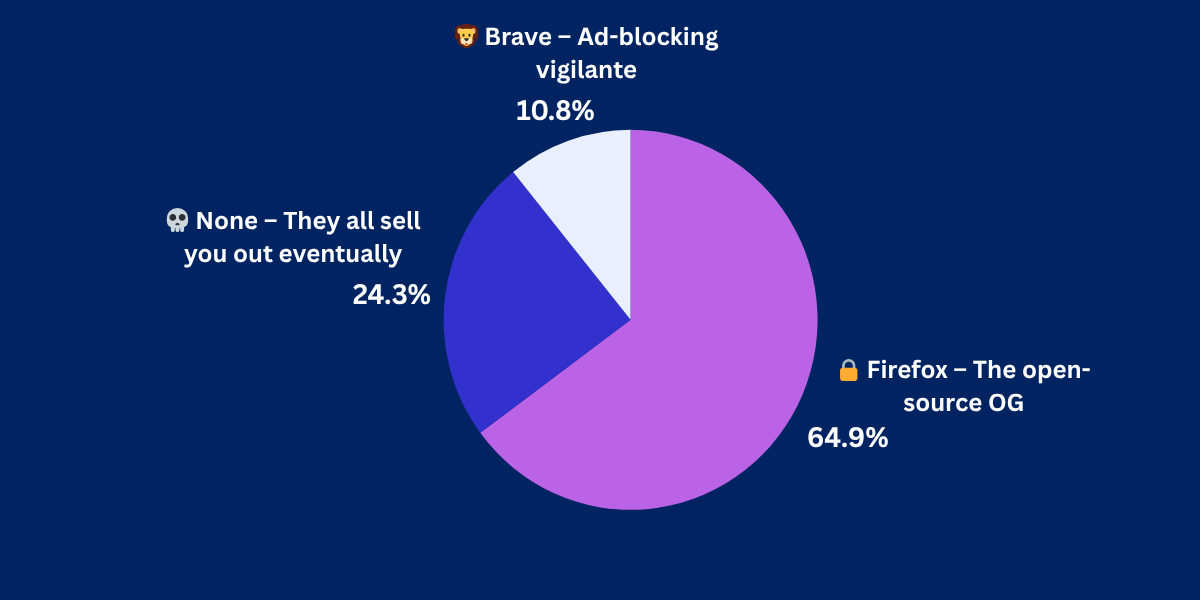
Yesterday's Pulse Check Results |
Which browser do you trust most for security? |
|
|
Security Tools You Can Use |
|
|
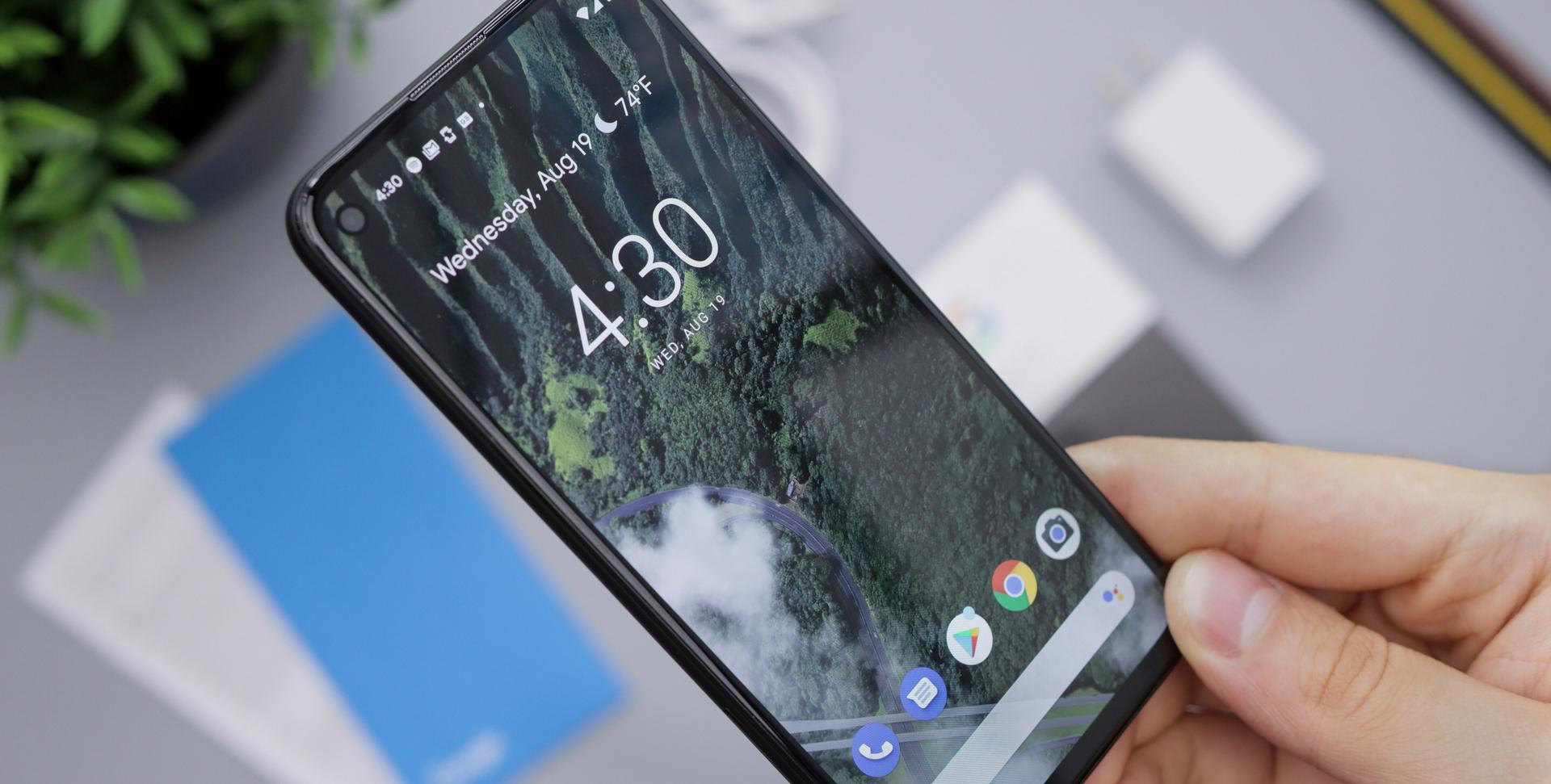
SMS Stealer Hits 100K Android Devices in Uzbekistan via Telegram Scam |
Nearly 100,000 Android devices in Uzbekistan have been infected with Qwizzserial—an SMS stealer that can harvest phone numbers, bank card numbers, inboxes, and SIM card information, among other data. |
Source: Unsplash / Daniel Romero |
According to Infosecurity Magazine, based on research from Group-IB, the malware is being spread through Telegram, where the attackers pose as government agents offering fake financial aid.
Avoid relying solely on SMS for 2FA and consider app-based authenticators as well. |
PSA, Microsoft Authenticator Users: Back Up Your Passwords Before August |
Microsoft Authenticator users should back up all saved passwords ASAP, as Microsoft will end access to stored, unsynced credentials starting August 2025.
According to Microsoft, password management and autofill functionality are being integrated into the Edge browser. However, your saved Authenticator credentials won’t transfer automatically. Your options: |
-
Switch to Edge as your default autofill provider.
- Export your logins into a different password manager altogether.
|
|
|
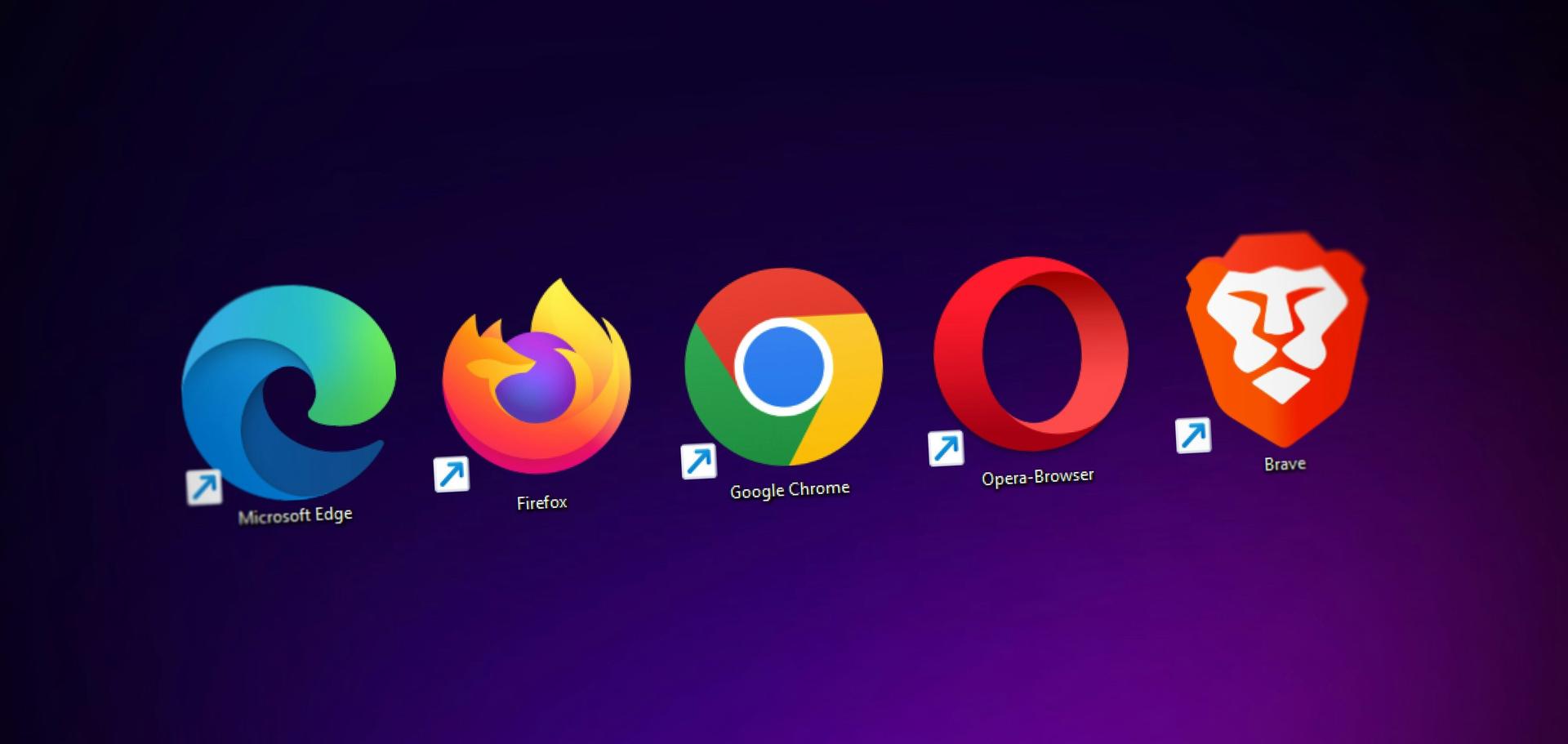
Keep Your Browser Battle-Ready |
Source: Unsplash / Denny Müller |
While browsers might feel like “set it and forget it” tools, they’re anything but. Keeping them updated is one of the easiest ways to stay ahead of emerging threats. |
Here’s how to lock down your browser: |
- Update ASAP: When your browser indicates that an update is needed, don’t delay.
- Audit your browser extensions: Remove anything you don’t recognize and ensure the remaining ones are patched.
-
Watch for unusual behavior: Sluggishness or new toolbars can be red flags.
- Use a real password Manager: Skip the built-in browser options for a dedicated app with stronger encryption.
|
Following these steps can be the difference between secure browsing and dealing with pop-ups, stolen data, and major headaches. |
|
|
| Senior Staff Writer at TechnologyAdvice |
Luis Millares is a seasoned tech writer with broad experience reviewing consumer gadgets and enterprise software, offering clear, reliable insights across the latest in technology. |
|
| Into more than just malware and mayhem?
|
Stay sharp on AI, cloud, DevOps, and the tech players shaking things up. Subscribe to Daily Tech Insider for no-fluff rundowns and witty breakdowns delivered straight to your inbox—because knowing what’s next helps you stay secure. |
|
|
Into more than just malware and mayhem? |
Stay sharp on AI, cloud, DevOps, and the tech players shaking things up. Subscribe to Daily Tech Insider for no-fluff rundowns and witty breakdowns delivered straight to your inbox—because knowing what’s next helps you stay secure. |
|
|
Cybersecurity Insider is a TechnologyAdvice business |
© 2025 TechnologyAdvice, LLC. All rights reserved. |
TechnologyAdvice, 3343 Perimeter Hill Dr., Suite 100, Nashville, TN 37211, USA. |
|
|
|