Stay on point, Digital Defenders. |
Today’s security roundup dives into AI abuse on Vercel’s platform, AT&T’s SIM swap defense rollout, a stealthy FileFix exploit, and fresh fallout from major breaches. Knowledge is your best defense. Ready to jump in? |
|
| Here’s what you need to know: |
|
|
The Phishing Machine: How AI Is Powering Scam Sites at Scale |
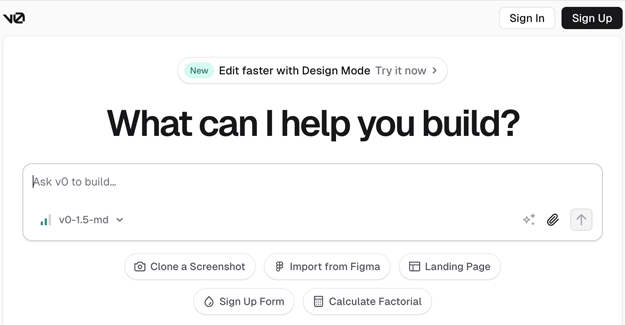
Threat actors are abusing Vercel’s v0, a generative AI tool designed to build web apps from text prompts, to rapidly create convincing fake login pages at scale. |
Researchers from Okta uncovered campaigns where scammers used the platform to clone sign-in pages of well-known brands, even hosting stolen logos on Vercel's infrastructure to appear legitimate. Stay cognizant of unexpected login requests, verify website URLs carefully, and enable multifactor authentication. For more tips, refer to this comprehensive guide on spotting phishing attempts. |
AT&T Rolls Out ‘Wireless Lock’ to Shield Customers from SIM Swap Attacks |
AT&T has introduced “Wireless Lock,” a new security feature that protects customers from SIM swap attacks by preventing unauthorized porting of phone numbers and changes to account information while the feature is enabled.
Available to all AT&T customers, the feature prevents cybercriminals from hijacking phone numbers to intercept calls, texts, and multi-factor authentication codes, as well as blocking unauthorized transfers initiated by telecom employees. Customers can activate or deactivate the lock through AT&T’s app or website. Business accounts receive additional controls to manage exceptions and restrict account changes. |
New FileFix Attack Bypasses Windows Mark of the Web to Execute Malicious Scripts |
Security researcher mr.D0x has revealed a new FileFix attack that exploits how browsers save HTML pages to bypass Windows’ Mark of the Web (MoTW) protection and execute malicious scripts.
The attack tricks victims into saving a phishing HTML page and renaming it to an .HTA file, which then auto-runs embedded JScript using the legitimate mshta.exe tool, allowing for silent code execution. Exercise caution when saving and renaming files from the web, avoid running unknown scripts, and update your security software to block suspicious activity. |
|
|
Which browser do you trust most for security? |
|
|
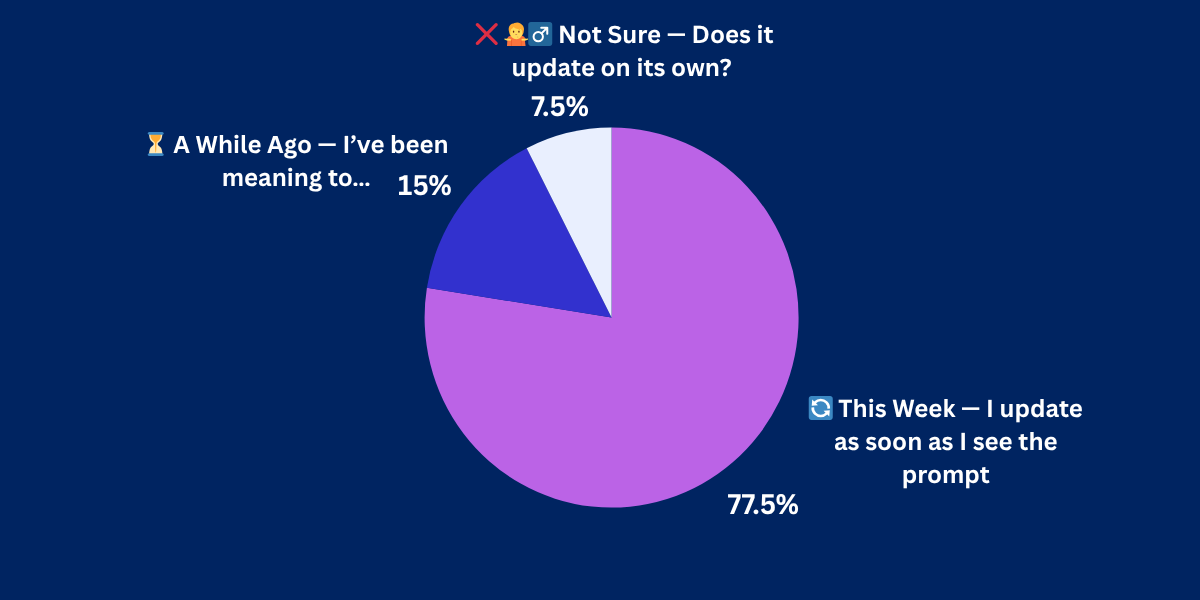
Yesterday's Pulse Check Results |
When was the last time you updated your browser? |
|
|
Qantas Breach Exposes Customer Data After Call Center Platform Hack |
Qantas has confirmed a cyberattack targeting a third-party platform used by its contact center, potentially exposing sensitive data of up to 6 million customers. |
Core Qantas systems remain secure, and no financial details or login credentials were compromised. However, names, emails, phone numbers, birth dates, and frequent flyer numbers may have been accessed. The investigation is ongoing, with early indications suggesting “significant” data loss. If you’re a Qantas customer, update your account security settings, enable MFA, and monitor for unusual activity. |
Kelly Benefits Breach Hits Over 550,000, Exposing Sensitive Health and Financial Data |
Kelly & Associates Insurance Group, also known as Kelly Benefits, has confirmed that a data breach affecting its systems in December 2024 compromised the personal information of 553,660 individuals—far more than initially reported.
The breach affected 46 partner organizations, including major insurers such as UnitedHealthcare and Aetna. It exposed names, Social Security numbers, medical and insurance details, and financial account information. In response, the company is offering a year of free identity protection through IDX.
Users should enroll in the free identity protection, closely monitor their financial and medical accounts, and consider placing a credit freeze to prevent fraud. |
|
|
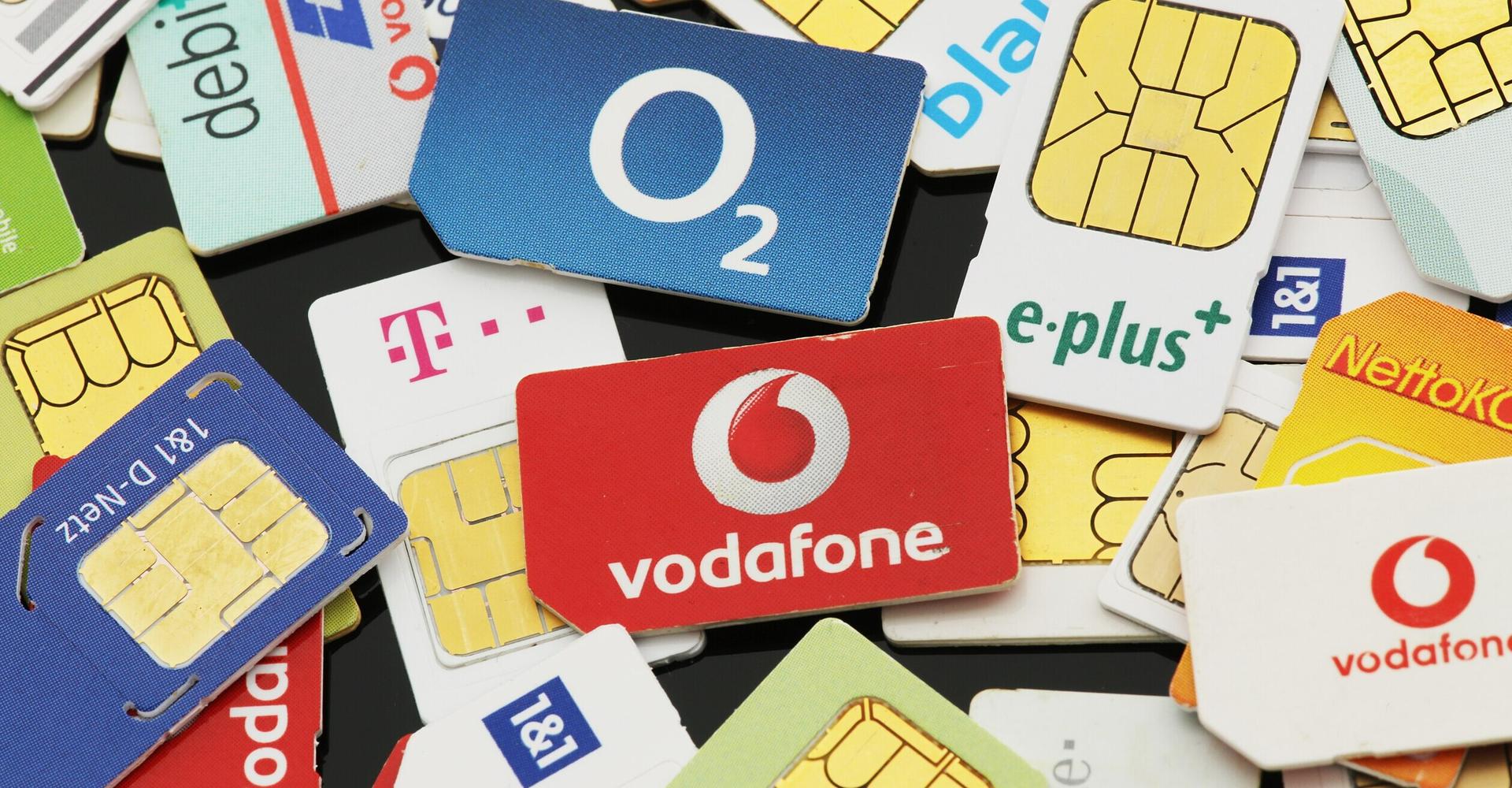
How to Fight Back Against SIM Swap Scams |
SIM swap fraud is a critical threat that enables attackers to hijack your phone number, intercepting calls, texts, and authentication codes to gain access to your accounts and sensitive data. |
The problem has become so pervasive that the Federal Communications Commission (FCC) is considering strengthening its regulatory actions to protect consumers and businesses related to this attack vector. |
However, you can take a few steps to protect yourself against SIM swap scams: |
- Set a strong, unique PIN on your wireless account.
- Use your carrier’s app to monitor account activity.
- Contact your provider immediately if you experience a sudden interruption in calls or texts.
- Limit sharing personal info on social media.
- Never share passwords or sensitive info via phone or email.
- Enable multi-factor authentication on all accounts.
|
Staying alert and taking a few proactive steps can make all the difference in keeping your identity—and your accounts—out of a scammer’s hands. |
|
|
| Leon Yen is a cybersecurity expert and seasoned tech journalist with over a decade of experience, including founding a cyber risk startup and leading industry-focused research and reporting. |
|
|
Into more than just malware and mayhem? |
Stay sharp on AI, cloud, DevOps, and the tech players shaking things up. Subscribe to Daily Tech Insider for no-fluff rundowns and witty breakdowns delivered straight to your inbox—because knowing what’s next helps you stay secure. |
|
|
Into more than just malware and mayhem? |
Stay sharp on AI, cloud, DevOps, and the tech players shaking things up. Subscribe to Daily Tech Insider for no-fluff rundowns and witty breakdowns delivered straight to your inbox—because knowing what’s next helps you stay secure. |
|
|
Cybersecurity Insider is a TechnologyAdvice business |
© 2025 TechnologyAdvice, LLC. All rights reserved. |
TechnologyAdvice, 3343 Perimeter Hill Dr., Suite 100, Nashville, TN 37211, USA. |
|
|
|